-1.png)

A finishing pass starts to scream, the wall shows a regular pattern of marks, and the first reaction is to drop the spindle speed. Sometimes the next pass is quieter. That does not mean the problem is solved. CNC machining chatter is a property of the whole cutting system: the tool, holder, spindle, machine, fixture, and workpiece, together with the cutting conditions. A speed change can move the cut into a quieter zone without explaining why the original cut was unstable, and the problem often returns when a tool is replaced, a part feature gets thinner, or the job moves to another machine.
The first task is to identify what kind of vibration is present. The second is to check the system in a fixed order so that a setup problem is not misdiagnosed as a cutting-data problem. The third is to prove that the chosen conditions sit inside a stable window rather than on its edge.
Separate Chatter from Other Vibration Before You Change Anything
Not every noisy cut or patterned surface is chatter, and the right remedy depends on which mechanism is actually present.
What regenerative chatter is
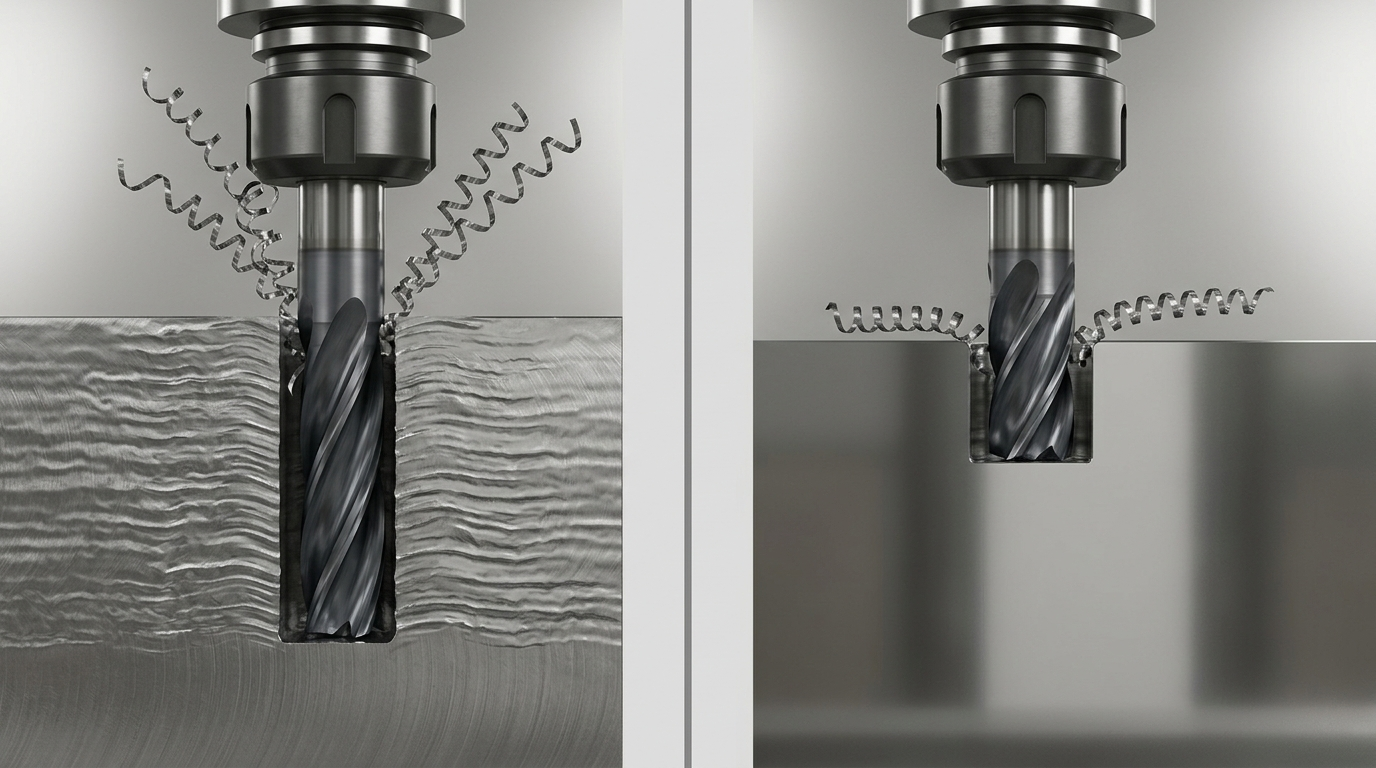
In milling, each tooth cuts the surface left by the previous tooth. If the tool or workpiece vibrates, that surface becomes wavy, and the next tooth meets a varying chip thickness. The varying chip thickness produces a varying cutting force, which drives further vibration. Tony Schmitz, writing while at the U.S. National Institute of Standards and Technology (NIST), describes this regeneration of waviness as a primary source of instability in milling and the closed-loop mechanism behind self-excited vibration, or chatter.
A key distinguishing feature follows from this mechanism. In a stable cut, tool motion is synchronous with spindle rotation: the tool returns to approximately the same position each revolution. During regenerative chatter, the motion is not synchronous with the spindle and tends to occur near the natural frequency of the most flexible mode of the system.
What else can look like chatter
Other vibration sources can produce noise and surface marks without being regenerative chatter:
| Source | Typical behavior | Cross-check |
|---|---|---|
| Regenerative chatter | Grows with depth or width of cut; frequency near a system natural frequency, not a multiple of tooth passing | Changes sharply with small speed or engagement changes |
| Forced vibration | Frequency tied to tooth passing or spindle rotation | Persists at light engagement; tracks spindle speed |
| Runout | Once-per-revolution pattern; uneven flank wear | Measure runout at the tool; inspect holder and collet |
| Flexible workpiece | Marks concentrated on thin or unsupported areas | Pattern changes along the feature as stiffness changes |
| Feed or servo behavior | Marks related to axis motion rather than spindle | Pattern spacing tracks feed, not spindle speed |
Frequency analysis is useful because chatter frequency and tooth-passing frequency are different quantities. The method described by Schmitz filters out the tooth-passing frequency and its harmonics from the audio spectrum to isolate the dominant chatter frequency. Even without instrumentation, comparing mark spacing with feed per tooth, and checking whether the pattern changes with speed, helps separate mechanisms.
Do not treat one symptom as proof
A single visual pattern is not conclusive. Use several observations together: sound, surface pattern and spacing, spindle-load behavior, tool wear, and whether the problem is repeatable at the same location. Changing parameters before identifying the source can hide the problem rather than remove it.
Check the System in a Fixed Order: Setup, Tooling, Workpiece, and Machine
Sandvik Coromant lists limitations in the cutting tool, holding tool, machine, workpiece, or fixture as possible causes of milling vibration. A fixed checking order prevents the most expensive explanation from being chosen first. Many of these risks can be raised before the first cut: our CNC milling team reviews part geometry, material, tolerances, surface requirements, and expected volume before selecting the machine, fixture, and machining approach.
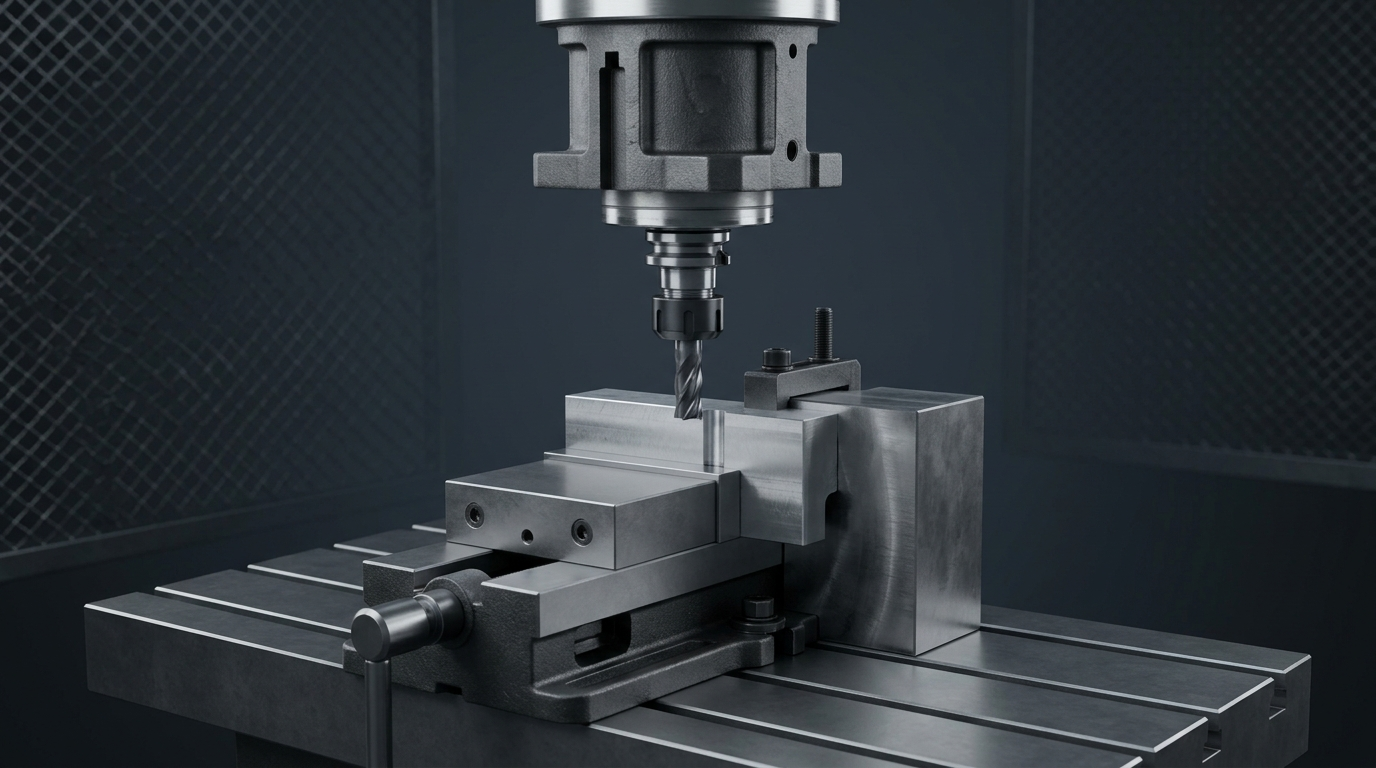
1. Workholding and support. Confirm that the part is located and clamped securely and that the fixture is stiff in the direction of the cutting forces. Sandvik recommends assessing force direction and improving fixture support, and keeping the fixture close to the machine table. An unstable setup can make every cutting parameter look wrong. 2. Tool and holder. Check tool sharpness, holder condition, runout, clamping, and the combined tool-plus-holder length. Sandvik's troubleshooting guidance includes checking tool wear, holder runout, and clamping when vibration occurs. 3. Workpiece stiffness. Identify thin walls, deep pockets, unsupported overhangs, and features whose stiffness changes as material is removed. A cut can be stable at the start of a wall and unstable near the end. Many of these features can be relieved at the design stage; see the guidelines for designing parts for CNC machining. 4. Machine and spindle. Consider spindle bearings, feed mechanisms, and machine condition after the part-side and tool-side checks are controlled. Sandvik notes that excessive wear in spindle bearings or the feed mechanism can degrade machining performance.
Reduce Overhang and Raise Cutting-System Rigidity
Once the setup has been checked, the stiffness of the tool assembly and the support under the workpiece are usually the next levers to examine.
Why overhang matters
Unsupported tool length increases deflection under load and changes the dynamic response at the tool point. Sandvik notes that vibration tendencies can become more apparent at overhangs beyond about four times the tool diameter, and recommends keeping the tool assembly as short and rigid as possible.
Why "shortest is always best" is not a rule
Tool-point dynamics are a property of the tool, holder, and spindle combined. NIST research on receptance coupling showed that the tool-point frequency response, which is the input for stability lobe calculations, changes with setup variations such as tool length. A 2021 ESAFORM study that tap-tested several tool, holder, and stick-out combinations found that shorter stick-outs generally gave a higher critical depth of cut, but some larger-diameter tool sets reached their highest calculated material removal rate at the longest stick-outs tested; the authors caution that the effect cannot be extrapolated to every system without tap tests.
The practical conclusion is to use the shortest practical assembly as a default, compare available tool and holder combinations on the actual machine, and avoid assigning a universal rigidity value to a holder type.
Support the workpiece
Where geometry permits, add support under thin floors, behind thin walls, or at unsupported ends. Changing the order of operations so that stiffening material is removed last can also help. For parts with features on several faces, multiaxis machining can reduce how often the part is repositioned and reclamped, which also reduces the number of support schemes that must be proven stable.
Recognize the practical limit
When the shortest practical assembly and best available support still chatter, rigidity has reached its practical limit. The next lever is cutting engagement.
Adjust Engagement, Cutting Data, and Spindle-Speed Conditions
When the system is as rigid as it can practically be, the remaining options lie in how hard and how fast the tool engages the material.
Change engagement with a hypothesis
Radial and axial engagement determine the cutting force and its direction. Before each change, state what you expect: "Reducing axial depth should lower the force on the flexible tool mode," or "Lower radial engagement should reduce the force variation per tooth." Sandvik suggests low radial engagement with high axial depth for 90° long-edge cutters and end mills, and reducing axial depth of cut for weak setups.
Watch for rubbing in light finishing cuts
If the chip is too thin, the edge can rub rather than cut, which can produce vibration. Sandvik recommends increasing feed per tooth when chip thickness is too low. A very light finishing pass is not automatically safer.
Use stability-lobe concepts carefully
Stability lobe diagrams map stable and unstable combinations of spindle speed and depth of cut. Their construction requires the tool-point frequency response, the expected radial immersion, and specific cutting-energy coefficients for the workpiece material and tool. Sandvik notes that a change of as little as 50 rpm can move a cut from unstable to stable on vibration-prone spindles. Because the lobes belong to one tool, holder, spindle, and material combination, a chart from another setup should not be transferred.
Variable pitch and variable speed are conditional tools
Coarse-pitch and differential-pitch cutters, and for solid end mills fewer teeth or a higher helix angle, are common recommendations for reducing vibration. Because these options depend on the cutter's geometry, it helps to understand the wider range of CNC tool types and how they are selected. Spindle-speed variation and damped tooling are other options. A CIRP review of chatter suppression techniques covers process, design, and control approaches and discusses how to choose among them for a given problem. None of these is a universal cure; each works within specific conditions.
Use Toolpath and Corner Strategies to Avoid Unstable Cutting
Sudden changes in engagement are a frequent trigger. Entries, exits, and internal corners can increase the tool's angle of engagement abruptly. Sandvik recommends programming large corner radii with reduced feed rate for vibration in corners and positioning the cutter off-center relative to the milled surface.
Toolpaths that hold engagement more constant can reduce force fluctuations in suitable geometries. Check, too, whether a small finishing allowance is causing rubbing rather than cutting. The goal here is to remove engagement spikes that push a marginal cut into instability, not to redesign the whole CAM strategy.
Verify a Stable Cutting Window Before Releasing Production
A quiet single pass is not evidence of a stable process. Define the evidence before testing:
• surface finish on the affected feature; • critical dimensions; • sound and spindle-load behavior; • tool wear after a defined cutting length.
Then repeat the cut near the boundaries of the proposed window, for example at slightly higher and lower spindle speeds and at the maximum planned depth. If the process is stable only at one exact setting, it is fragile. Record the stable conditions, including the tool and holder assembly, stick-out length, engagement, and speeds and feeds, in the process sheet and tool-life plan so the window survives a tool change.
When ordinary setup, overhang, and engagement changes do not resolve the problem, escalate to a dynamic analysis, such as tap testing to measure the tool-point frequency response and calculate a stability lobe diagram for the actual setup.
Because surface finish is one of the release criteria, agree the finish target together with the dimensional requirements before the window is tested. Our guide to tolerances and surface finish in CNC machining explains how the two requirements relate.
Frequently Asked Questions
These are the questions machinists and engineers most often ask when chatter first appears on a job.
What causes chatter in CNC milling?
Regenerative chatter occurs when vibration leaves a wavy surface that the next tooth cuts, producing variable chip thickness and force that sustain the vibration. It depends on the dynamics of the tool, holder, spindle, fixture, and workpiece together with the cutting conditions.
Is reducing spindle speed the right fix for chatter?
Not necessarily. Stability depends on speed in a non-linear way; a small speed change can move a cut into or out of a stable zone. Identify the vibration source and check setup rigidity before relying on a speed change.
How can I tell chatter from forced vibration?
Forced vibration is tied to tooth-passing or spindle frequency. Regenerative chatter tends to occur near a natural frequency of the system and is not synchronous with spindle rotation. Comparing mark spacing with feed per tooth and testing at different speeds helps separate them.
How long can tool overhang be before chatter starts?
There is no universal limit. Sandvik notes vibration tendencies can become more apparent beyond about four times the tool diameter, but tap-test research shows the effect of stick-out is system-specific.
When should I use a stability lobe diagram?
When chatter persists after setup and engagement checks. The diagram must be calculated for the actual tool, holder, spindle, and material.
Conclusion
CNC machining chatter is solved most reliably by working in order. Identify the vibration before changing a parameter. Check workholding, tooling, workpiece stiffness, and the machine in a repeatable sequence. Reduce overhang and add support where possible, then change engagement and cutting data with a stated hypothesis. Release the process only after the stable window has been demonstrated near its boundaries and recorded, so that the result does not depend on one quiet pass.